
Importing your old activities from your export
You bring your old activities into Trimetra with an export from your brand. At Strava, Polar and COROS you request that export yourself. With other brands you export your activities one by one from the app of your watch or bike computer. That way your plan does not start from zero.
In short
- At Strava, Polar and COROS you request one export of all your activities.
- Your old activities get a load, just like an activity that comes in through a connection.
- Only your activities go to Trimetra.
- If you already had the same activity from another source, it counts once.
1.Where you do it
The Import history button is in Profile → Settings → Devices & services, in the History group. Tap it and pick your brand first.
The sheet then shows how to get your files from that brand and what comes along. At the bottom you choose your export or your files.
To add a single activity, you can also use the Import tile on Log.
2.Which files work
At Strava, Polar and COROS you request one export of all your activities. You get an email with your files or with a download link. At Polar that link works for two weeks.
At Suunto, Wahoo and Hammerhead you export an activity as a .fit file, in the app or on the brand’s website. You can pick several files at once.
The sheet takes a zip, as well as separate .fit, .gpx and .tcx files.
If your brand is not in the list, choose Other brand. Export an activity as a .fit file from your watch’s app and pick that file.
| Brand | What you export | When you have it |
|---|---|---|
| Strava | One export of all your activities | An email once your zip file is ready |
| Polar | One export of all your activities | An email with a download link that works for two weeks |
| COROS | One export of all your activities | COROS sends your files by email |
| Suunto, Wahoo and Hammerhead | An activity as a .fit file, in the app or on the website | Straight away |
| Other brand | An activity as a .fit file from your watch’s app | Straight away |
3.What comes along
Your activities come with whatever your device recorded, such as your heart rate, your power and your route. A Strava export also brings the name you gave each activity.
Your old activities get a load, just like an activity that comes in through a connection. What you have already done counts in your plan from day one.
Your sleep and your activity across the day are not in these exports. They come in when you connect your watch, or Apple Health or Health Connect.
Only your activities go to Trimetra. Your account details and the rest of your export stay on your own device.
4.Nothing counts twice
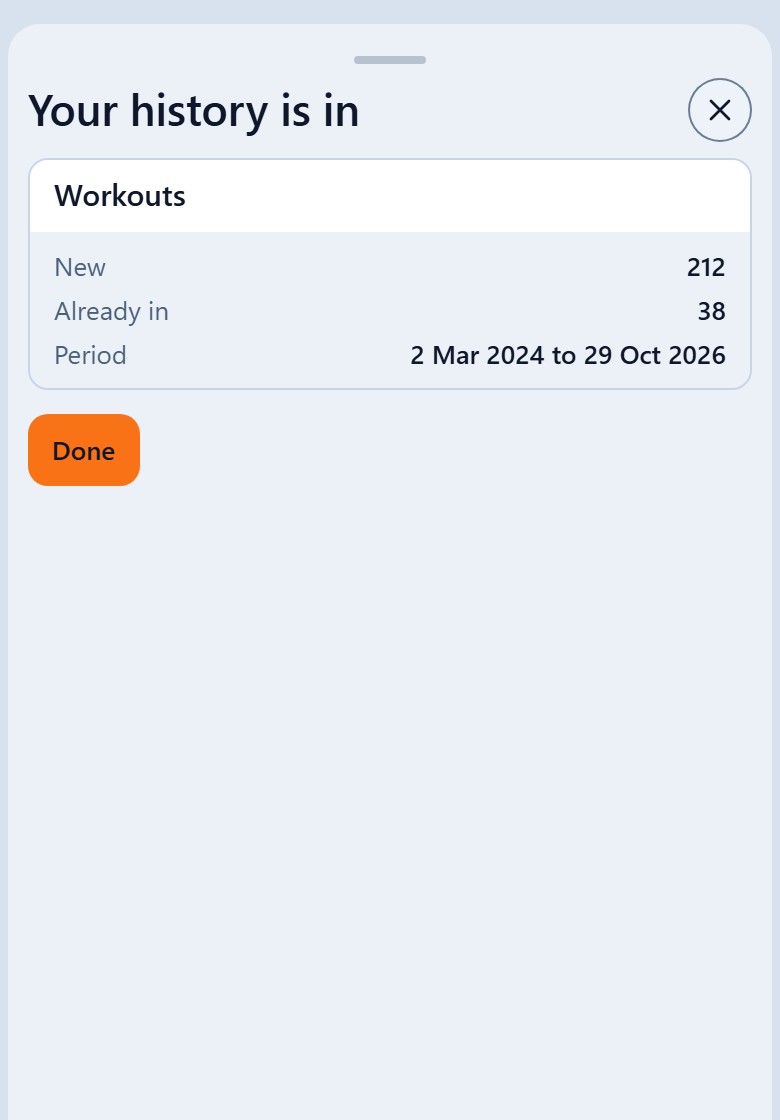
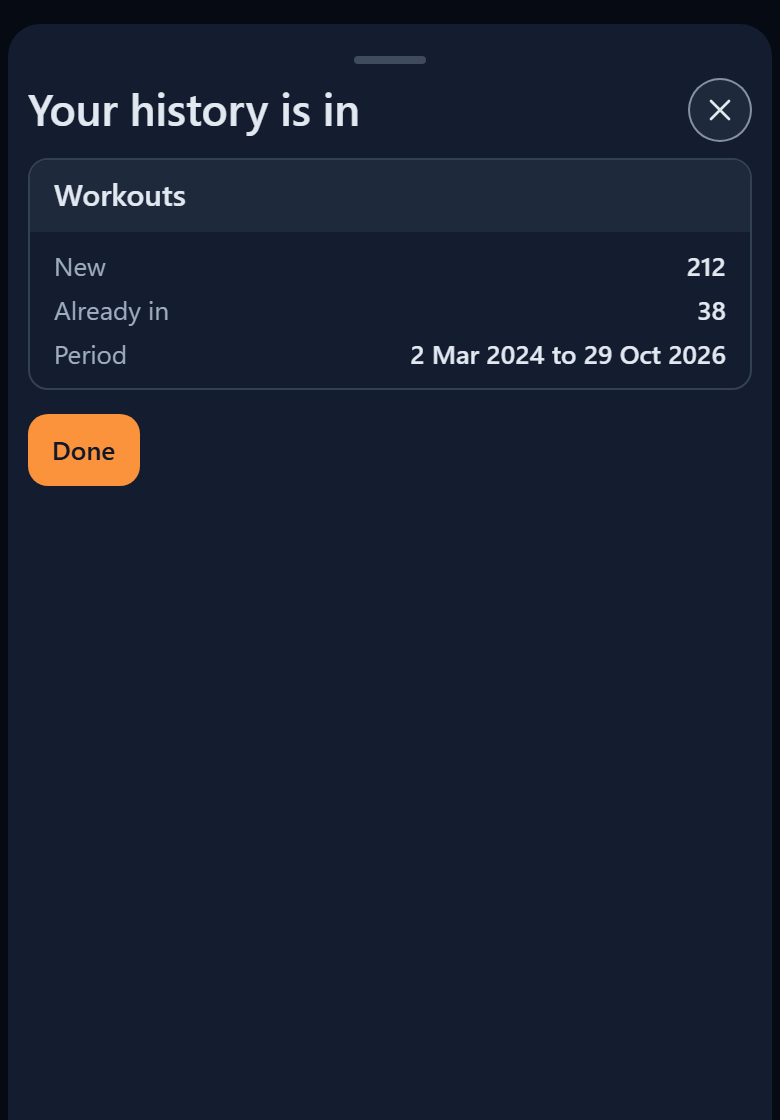
If you pick a file that is already in, it does not count again. At the end it shows in the Already in row.
If you already had the same activity from another source, it counts once. If it is in the Replacing another version row, the version from your export now counts. The other one stays in your log. If it is in the Next to another version row, the version you already had keeps counting.
5.A large export
Keep your screen on until the import is done. If your screen goes off anyway or you switch apps, the import carries on as soon as you are back.
There is a limit per hour. When you reach it, the sheet says Import paused. Everything already in stays. Choose your export again in an hour. What is already there does not count twice.
If you stop the import yourself, what is in stays as well. Choose your export again later to carry on.
If a file could not be read, it shows in the Not read row. The rest is in as usual.
6.Strava
As long as you cannot connect Strava in Devices & services, your export is the only way to get your Strava activities into Trimetra. Your new activities then come in through your watch, Apple Health or Health Connect.
7.After your import
After your import your records are up to date. If an effort from your history points to a different threshold, you get a suggestion on Coach. You decide whether to apply it.
Frequently asked questions
Can I choose the same export twice?
Yes. What is already there does not count twice. If your import stopped halfway, choose your export again and the rest is added.
Does my sleep come along too?
Not from the exports of Strava, Polar, COROS, Suunto, Wahoo and Hammerhead. To see your sleep and your resting heart rate in Trimetra, connect your watch, or Apple Health or Health Connect.
How long until my export is ready?
That depends on your brand. Strava and Polar email you once your zip file is ready. COROS sends your files by email. At Suunto, Wahoo and Hammerhead you have your file straight away.
In the app
Further reading
Which data does Trimetra read from your watch?
Brand by brand, read which workouts, steps, sleep, resting heart rate, HRV and weights come in. And if something does not come in, you see why.
Tracking the mileage of your shoes and bike
Trimetra counts the kilometres of your running shoes and of the parts of your bike from your activities. Read how to start, which limits the app suggests and how you change them yourself.
Trimetra puts the activities from your export in your log, with their load, and counts each activity once.